%20Logo%20(5)-1.png?width=160&height=80&name=v%20(Dark%20BG%20variant)%20Logo%20(5)-1.png)
Overview
If you have 33 Lock installed across several properties, you can organize the locks on your TTLock account by creating and using groups. Groups function as a tag that you can create and associate specific locks by property, building, or room type, making portfolio-wide management more organized and efficient.
❗This requires a registered TTLock account
Steps to create lock groups
- Open your TTLock account on the phone.
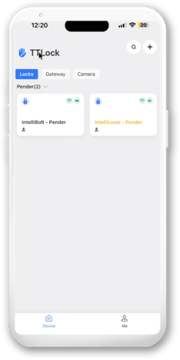
- Click on "Me" then select "Groups"
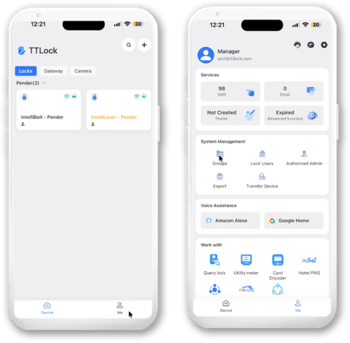
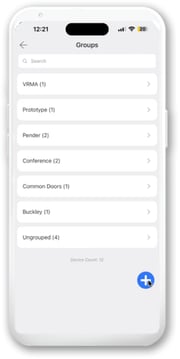
- If you have previously created groups, it will be listed here
- If you have previously created groups, it will be listed here
- Click on the blue and white + button
- Enter Group Name the click "Ok"
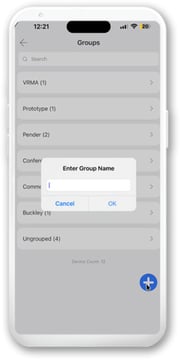
- Once it has been created, navigate back to the lock home page
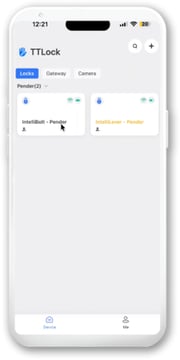
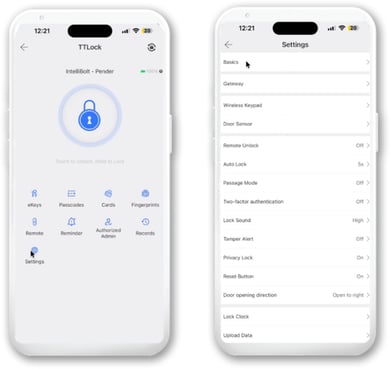
- Select a lock you'd like to add to a group, click on settings then basics
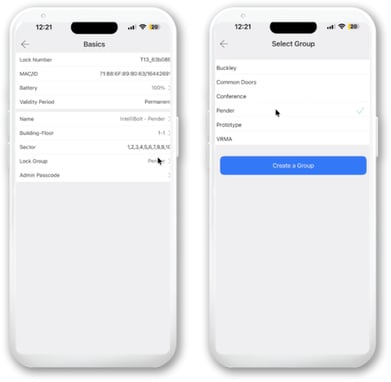
- Click on "Lock Group" and click on the group you just created.
❗If you are using an integration partner to manage your properties, we recommend checking with them prior to making any changes at the App level